

21 Best WooCommerce Plugins You MUST Have to Grow in 2026

Discover 21 WooCommerce plugins organized by store needs, from payments and checkout to SEO, performance, partner acquisition, and repeat purchases.
The best WooCommerce plugins solve a specific growth problem: they help shoppers find products, complete purchases, return to your store, or recommend it to someone else.
This guide covers 21 options across payments, visibility, acquisition, retention, measurement, and operations. You will find an overview, key features, and pricing for each plugin.
TL;DR: Which WooCommerce plugins should you prioritize?
This table summarizes the categories and tools needed for your online store to grow.
| Growth bottleneck | Plugins to consider | Result to evaluate |
|---|---|---|
| Payment and checkout | Stripe; PayPal Payments; Checkout Field Editor | Completed payments and checkout errors |
| Organic visibility and speed | Yoast WooCommerce SEO; LiteSpeed Cache; ShortPixel | Qualified organic purchases and usable mobile pages |
| Partner acquisition | Siren | Approved new-customer sales after rewards |
| Repeat purchases | MailPoet; AutomateWoo; WooCommerce Subscriptions | Retained revenue and repeat-purchase margin |
| Product discovery | FiboSearch; Filter Everything; Variation Swatches | Successful product finds and purchase progression |
| Buyer confidence | Customer Reviews for WooCommerce | Useful reviews and resolved product questions |
| Order value and offers | Product Bundles; Product Add-Ons; Advanced Coupons | Contribution profit per order |
| Measurement and inquiries | MonsterInsights; WPForms | Reliable revenue data and qualified inquiries |
| Fulfillment and administration | Advanced Shipment Tracking; PDF Invoices & Packing Slips | Support workload and order-processing reliability |
How do we select these plugins?
We selected plugins for distinct store jobs, using official product pages and WordPress.org listings to verify their capabilities.
Each entry explains what the plugin does, how a store can use it, its key features, and its pricing.
Some entries are WooCommerce extensions, while others are broader WordPress plugins that support a WooCommerce store. Prices are in USD unless noted; taxes, processing fees, usage allowances, and introductory offers can change the total cost. Check the linked official pages for the features and current price your store needs.
Plugins for payments and checkout
1. WooCommerce Stripe Payment Gateway: Cards and supported wallets
The official WooCommerce Stripe Payment Gateway connects a store to Stripe for supported payment methods, including cards and digital wallets.
Use it when your payment setup makes purchasing inconvenient or you need methods suited to your customers. Test the full experience on mobile, including a failed payment and a successful retry, rather than checking only that a button appears.
Key features
- Credit and debit card payments through Stripe.
- Express checkout with supported wallets, including Apple Pay and Google Pay.
- Saved payment methods and supported local payment options.
Pricing: Free plugin; Stripe payment-processing fees apply and vary by market and payment method.
2. WooCommerce PayPal Payments: PayPal checkout options
WooCommerce PayPal Payments is the official PayPal extension for WooCommerce. It supports PayPal checkout and additional payment options whose availability depends on market and merchant eligibility.
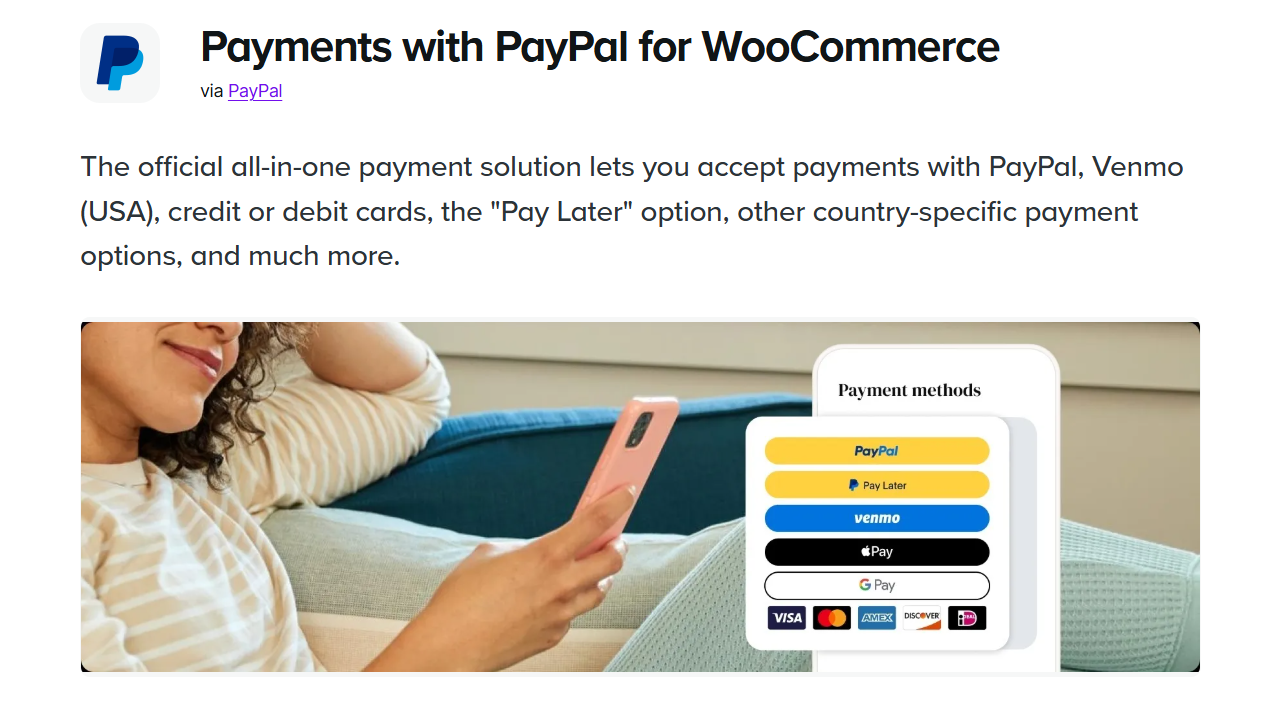
Use it when customer behavior suggests PayPal would make purchasing easier. Adding a recognized payment method is a sensible test when shoppers already ask for it or repeatedly leave at payment.
Key features
- PayPal checkout and supported card-processing options.
- Additional local payment methods, depending on country and merchant eligibility.
- Pay Later messaging and checkout options where available.
Pricing: Free plugin; PayPal payment-processing fees apply and vary by market and payment method.
3. Checkout Field Editor by ThemeHigh: Relevant checkout fields
Checkout Field Editor for WooCommerce lets you adjust checkout fields, including labels, order, and custom fields. The developer documents support for classic and block checkout, with feature differences worth checking.
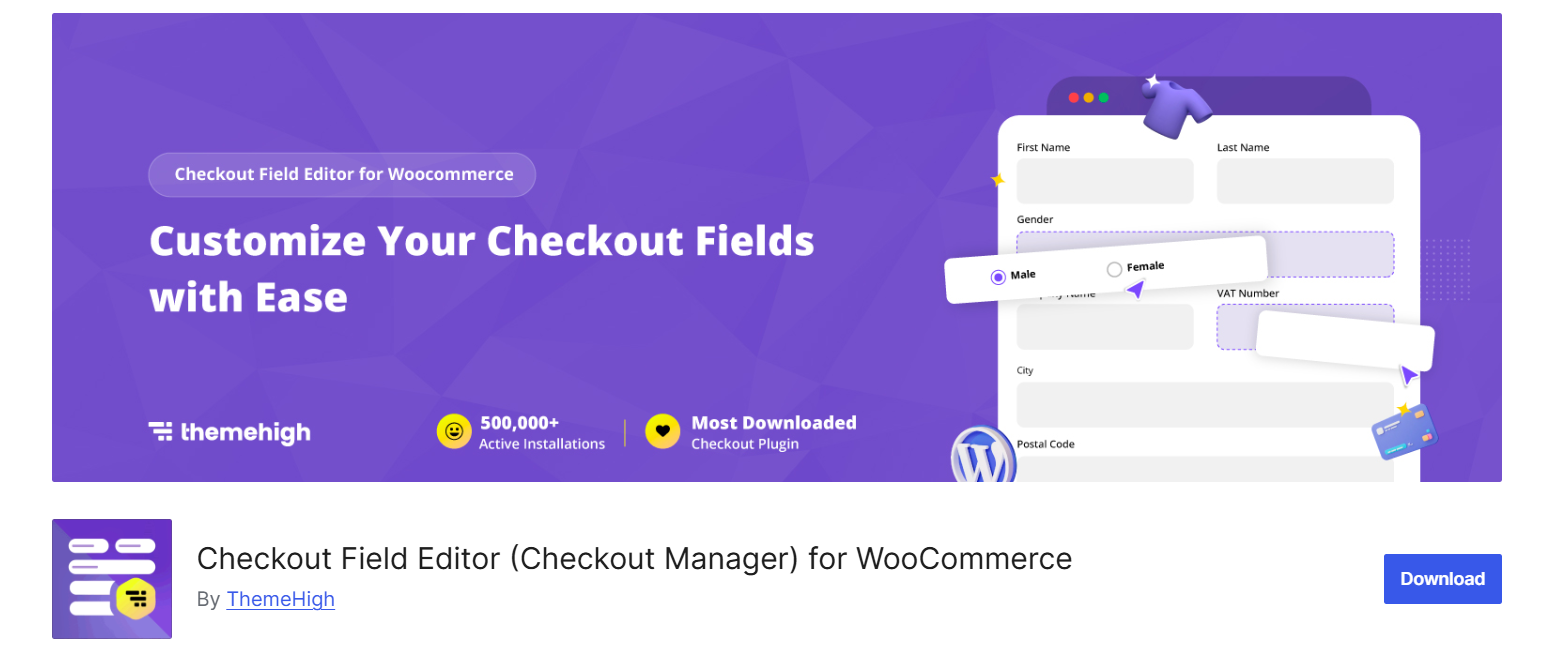
Use it when your checkout asks for unnecessary information or fails to collect something essential to fulfillment. A store selling digital downloads and physical products may need different information for each.
Key features
- Add, edit, remove, and reorder checkout fields.
- Custom field types for collecting relevant customer information.
- Conditional field display in Pro, with capabilities varying between classic and block checkout.
Pricing: Free version available; Pro starts at $49 per year for one site.
Plugins for organic visibility and performance
4. Yoast WooCommerce SEO: Product search information
Yoast WooCommerce SEO provides WooCommerce-specific SEO support, including product structured data and product-focused optimization guidance. It works with Yoast SEO or Yoast SEO Premium.
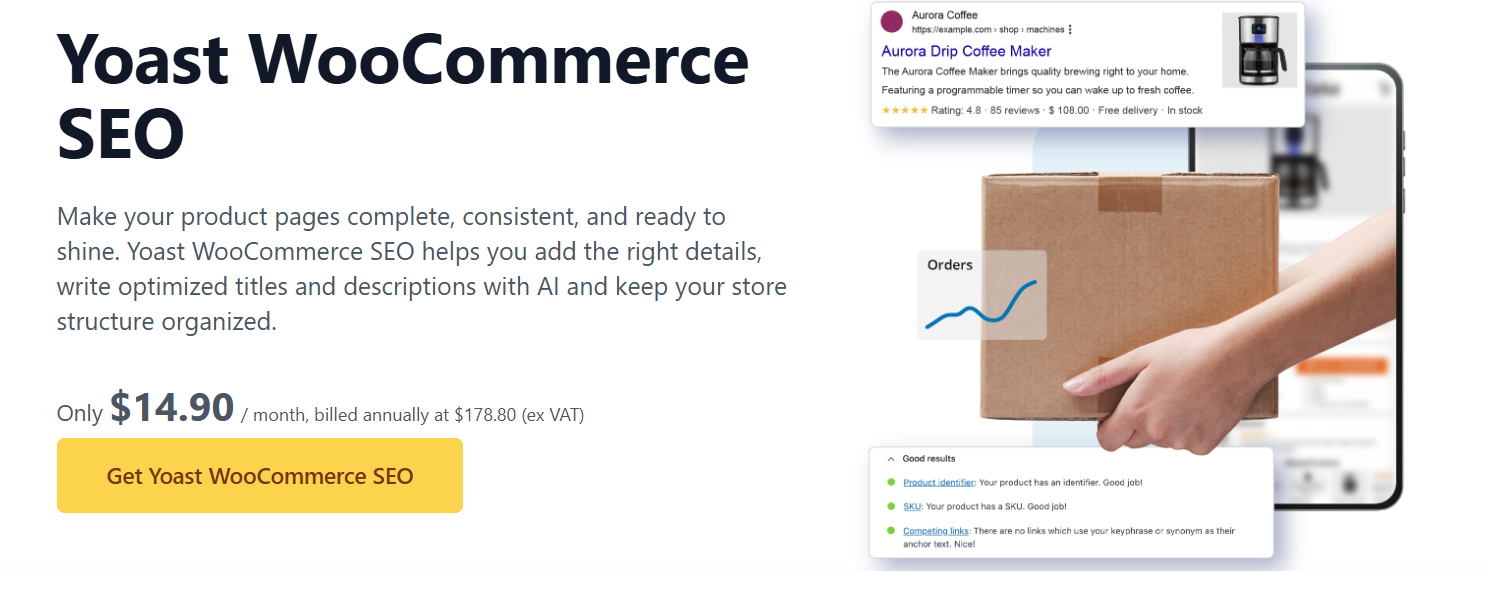
Use it when your product and category pages need more consistent search information across the catalog. Combine the tooling with accurate product details and content that answers buying questions.
Key features
- Product structured data and product-specific SEO analysis.
- Product and category titles and meta descriptions.
- Enhanced breadcrumbs and XML sitemap handling.
Pricing: The paid WooCommerce SEO package costs $178.80 per year, excluding VAT, and includes Yoast SEO Premium.
5. LiteSpeed Cache: Performance optimization on a suitable stack
LiteSpeed Cache provides performance optimization features and server-level caching on supported infrastructure. General optimization features can work on other servers, but LiteSpeed-specific caching requires an appropriate LiteSpeed setup or supported QUIC.cloud configuration.

Use it when your hosting environment fits and performance is a documented constraint.
Key features
- Server-level page caching on compatible infrastructure.
- CSS and JavaScript optimization controls.
- Image optimization and lazy-loading tools.
Pricing: Free plugin; hosting and optional QUIC.cloud services can add separate costs.
6. ShortPixel Image Optimizer: Product-image optimization
ShortPixel Image Optimizer compresses images and supports modern formats such as WebP and AVIF. It can process existing media in bulk.

Use it when product photography creates heavy pages, particularly on mobile connections. Start with representative product images and compare file size with visible quality before optimizing the whole catalog.
Key features
- Bulk optimization of existing product images.
- Lossy, Glossy, and Lossless compression options.
- WebP and AVIF image generation.
Pricing: Free for 100 credits per month; the Unlimited subscription starts at $9.99 per month.
Plugins for partner acquisition and repeat purchases
7. Siren: Affiliate, referral, and partner program management
Siren for WooCommerce connects purchases and other contributions to partner attribution and commission rules. Its WooCommerce program templates include affiliate commissions, customer rewards, and coupon-based influencer campaigns.
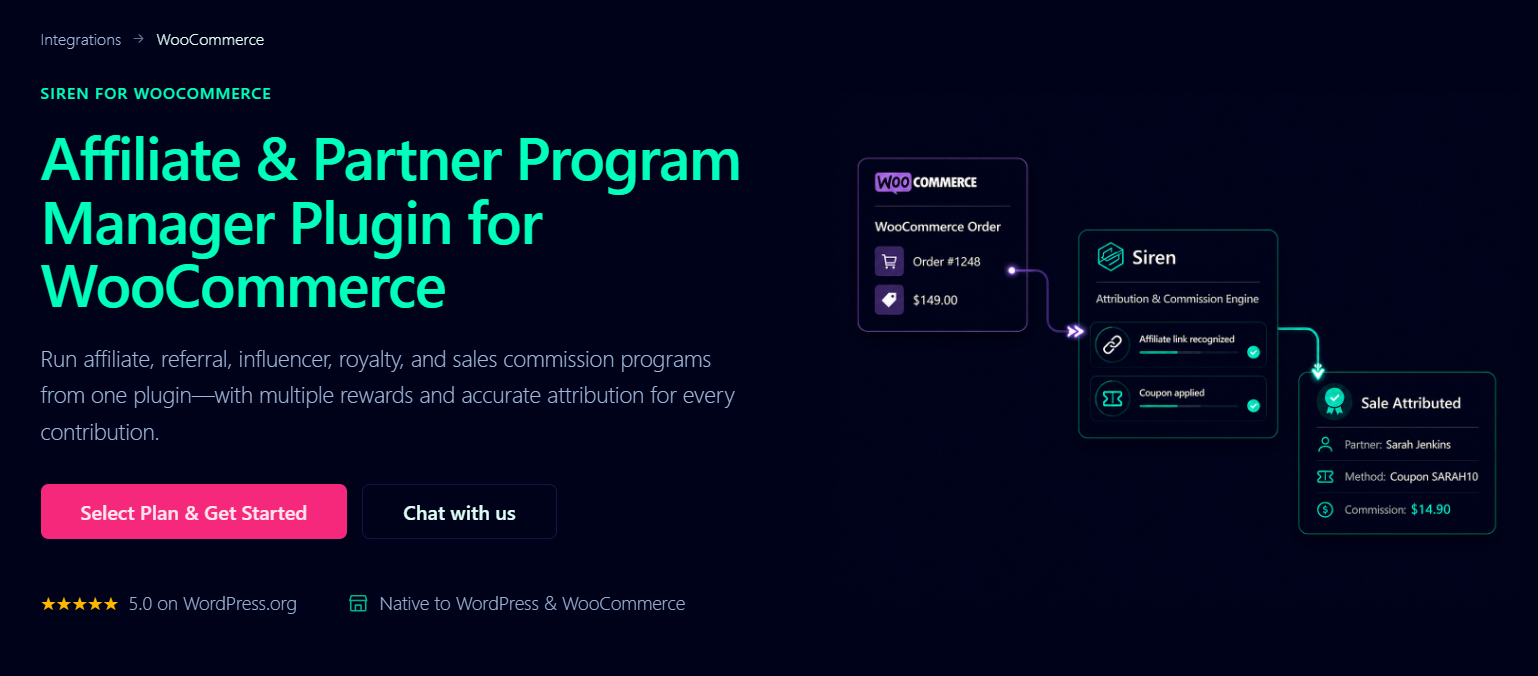
Use it when creators, publishers, customers, or business partners can introduce buyers and you need to track how each relationship earns a reward. For example, an affiliate might receive a percentage commission while a separate customer program issues store credit.
The useful distinction is operational flexibility: different relationships can follow different rules within one system. You still need to recruit suitable partners and give them an offer worth promoting.
For a focused category comparison, see these WooCommerce referral plugins.
- Multiple affiliate, customer-reward, and influencer programs with separate rules.
- Native WooCommerce attribution and commission calculations.
- Commission approval, payout grouping, and export workflows.
Pricing: Free Lite plan; paid WordPress plans start at $229 per year.
8. MailPoet: Email marketing from WordPress
MailPoet lets you create newsletters, manage subscribers, and build email automations from WordPress. Its WooCommerce features include emails connected to cart abandonment, purchases, and order activity, with capabilities varying by plan.
Use it to build a relationship with people who are interested but not ready to buy, and to bring customers back with useful product education or relevant offers. A cookware store could send practical care instructions before introducing a complementary product.
Key features
- Newsletters and subscription forms managed from WordPress.
- Welcome, abandoned-cart, and purchase-related automations, depending on plan.
- Subscriber segmentation and campaign reporting, with advanced tools on paid plans.
Pricing: Free for up to 500 subscribers and 5,000 emails per month; WooCommerce lists paid plans with MailPoet sending from $10 per month, with the cost scaling by subscriber count.
9. AutomateWoo: Behavior-based store workflows
AutomateWoo combines triggers, rules, and actions to automate WooCommerce workflows. An order can trigger a follow-up email, with conditions controlling which customers qualify and when it is sent.
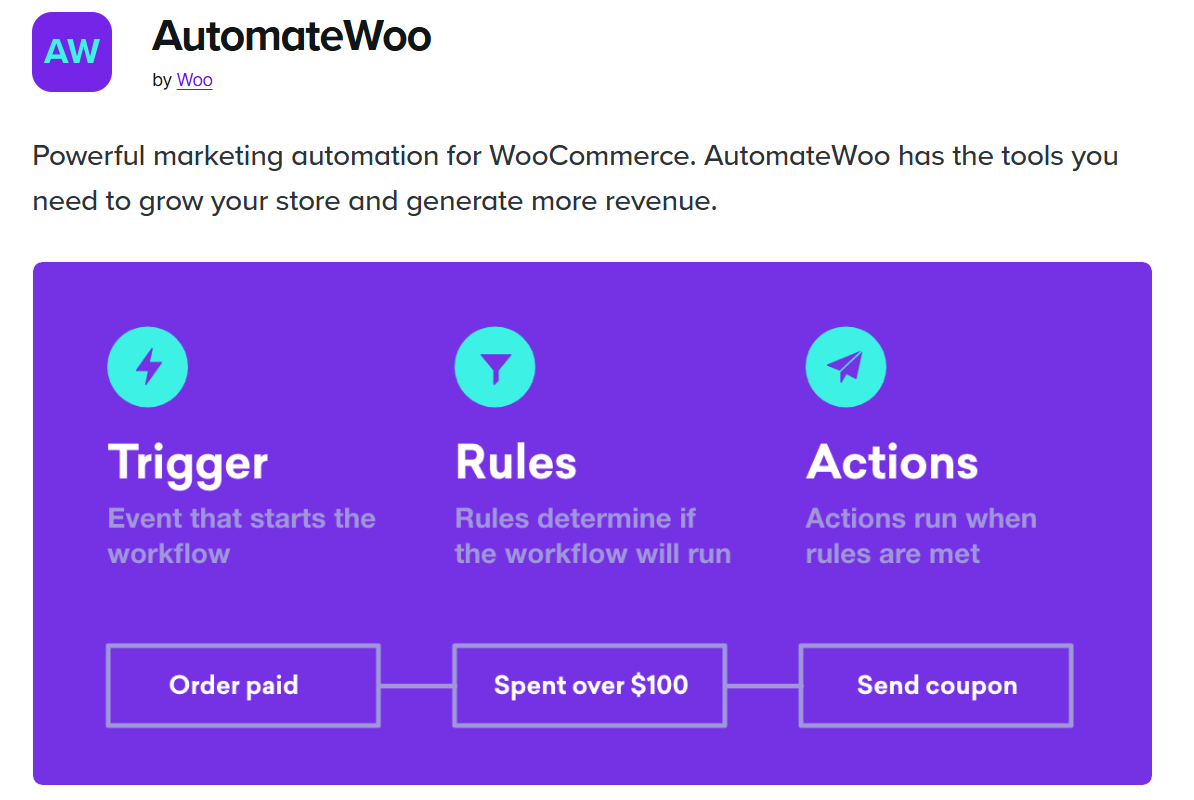
Its value is specificity. Instead of sending every customer the same promotion, a store can design a follow-up around what someone bought or whether they have returned.
Key features
- Workflows built from triggers, conditions, and actions.
- Abandoned-cart reminders, post-purchase follow-ups, and win-back emails.
- Personalized coupons and scheduled messages.
Pricing: Paid extension from $159 per year.
10. WooCommerce Subscriptions: Recurring purchases
WooCommerce Subscriptions adds recurring billing for products and services, with scheduled payments and customer subscription management. Automatic recurring payments depend on supported payment gateways.
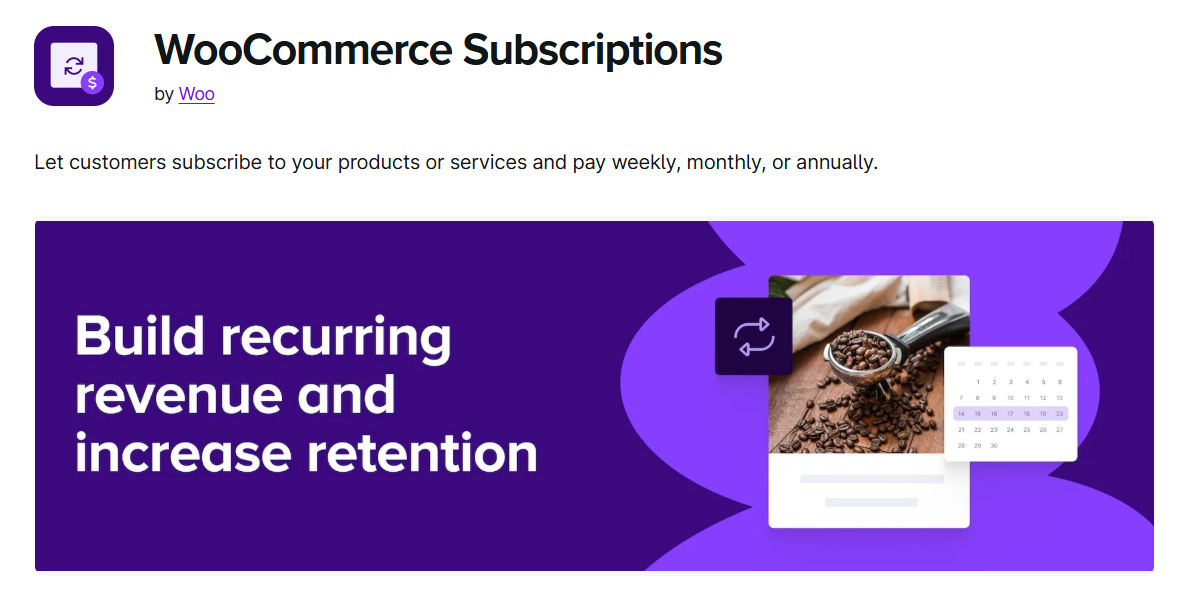
Use it when customers have a repeat need: replenishable products, ongoing services, or a subscription box. A coffee store could offer a monthly delivery alongside one-time purchases.
Key features
- Flexible recurring billing schedules for products and services.
- Automatic renewals through compatible gateways and failed-payment retries.
- Customer self-service for subscription changes and cancellation.
Pricing: Paid extension from $279 per year.
Plugins for product discovery and buyer confidence
11. FiboSearch: Live product search
FiboSearch adds an AJAX search bar with live suggestions, including product images, prices, and SKU search.
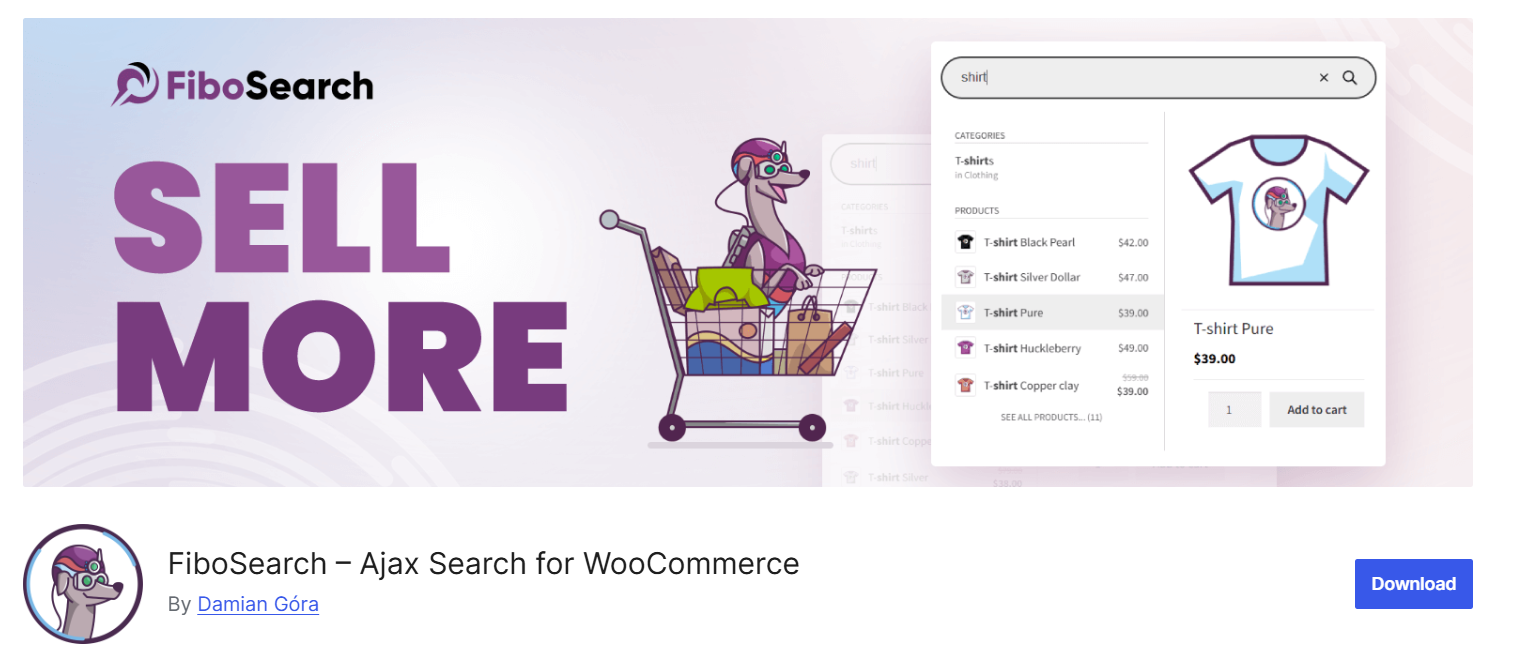
Use it when customers know roughly what they want but struggle to find the right item. Search is especially useful for catalogs containing many similarly named products or parts customers identify by SKU.
Key features
- Live product suggestions as shoppers type.
- Product image, price, and SKU displayed in search results.
- Advanced matching tools such as fuzzy search and synonyms in Pro.
Pricing: Free version available; Pro starts at $59 for the first year for one site, with renewal currently listed at $50.15 per year.
12. Filter Everything: Catalog filtering
Filter Everything helps shoppers narrow product listings using criteria such as price, category, brand, and attributes. It also supports AJAX filtering.
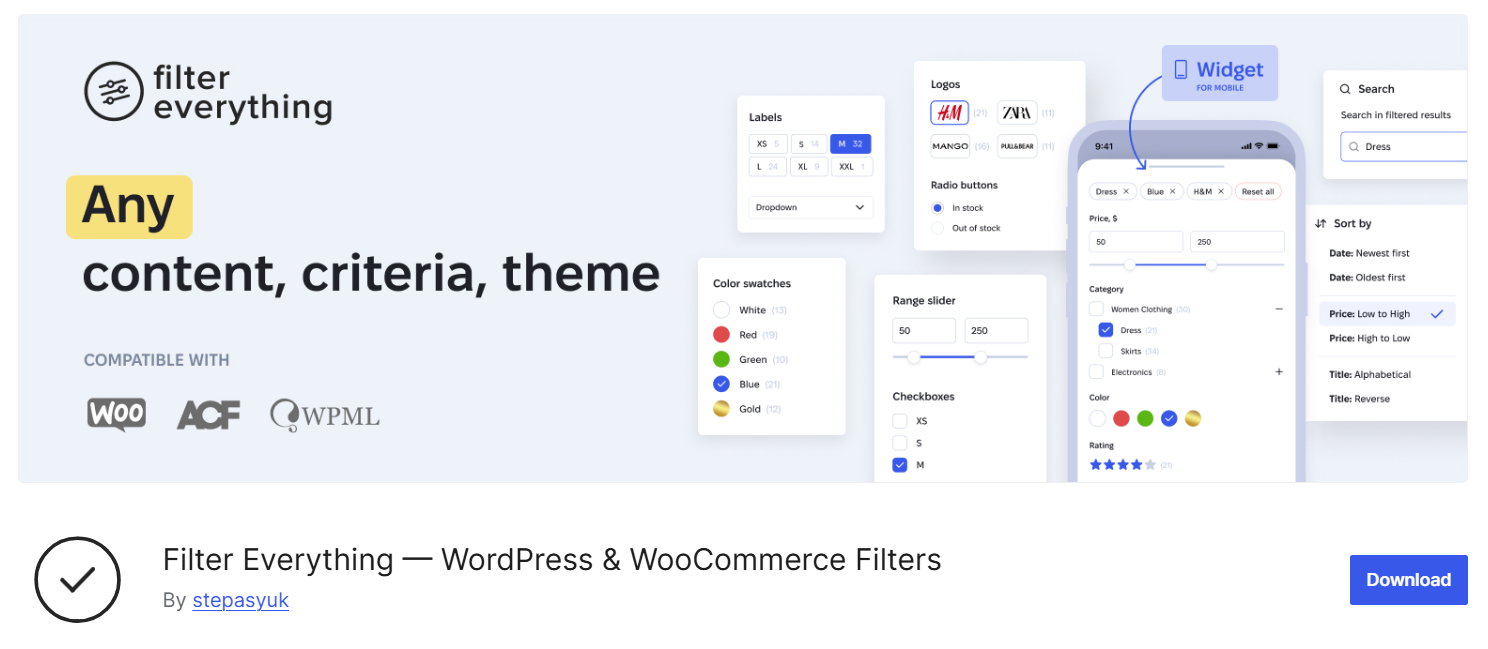
Use it when browsing requires customers to compare too many irrelevant items. A furniture store could make dimensions, material, and price available as useful filters.
Key features
- Filter products by price, categories, attributes, and other catalog data.
- AJAX filtering without a full page reload.
- Expanded filtering and SEO controls in Pro.
Pricing: Free version available; a Pro Personal license starts at $69 for one site and includes one year of support and updates.
13. Variation Swatches for WooCommerce: Visual product choices
Variation Swatches for WooCommerce replaces standard variation dropdowns with color, image, or button-style selections.
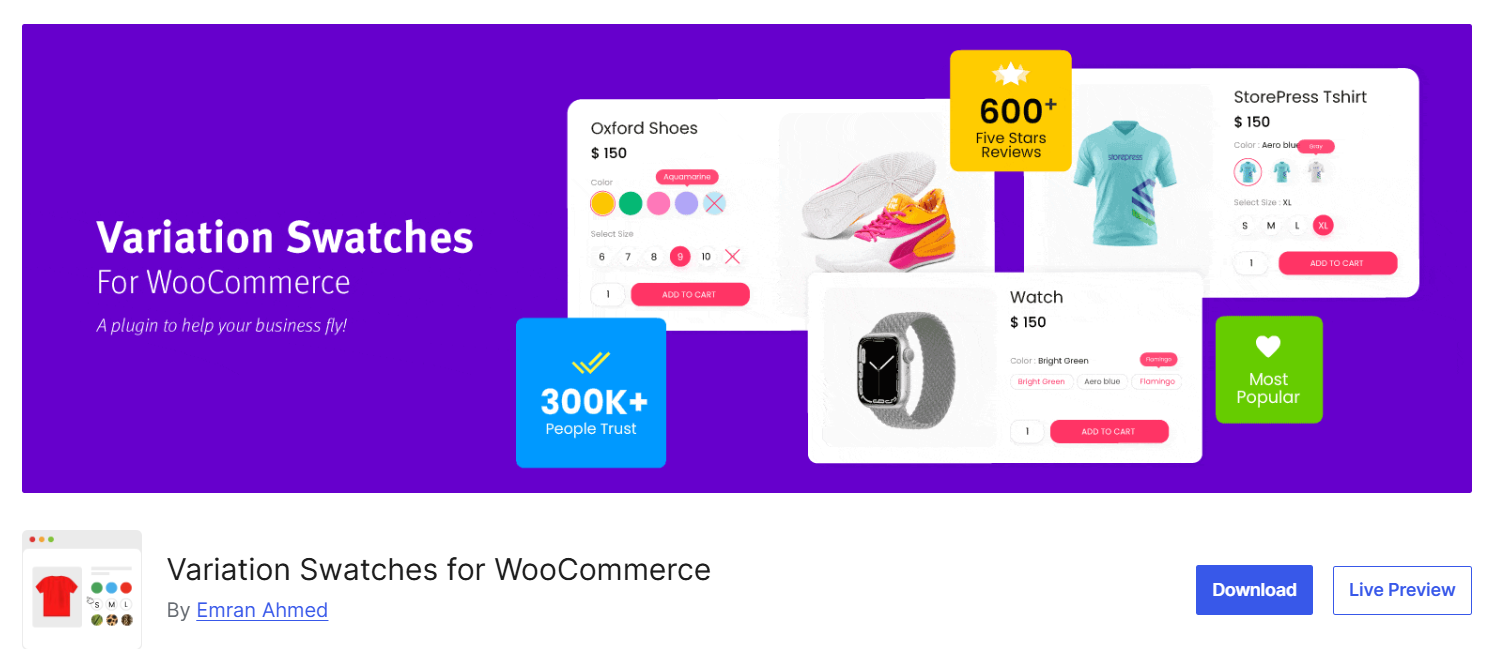
Use it when buyers need to compare options visually, such as clothing colors, sizes, or material finishes. Clear variation controls can make the decision easier to understand without adding another page.
Key features
- Color, image, and button swatches for product variations.
- Visual choices for attributes such as size, color, and material.
- Catalog-page swatches and additional display controls in Pro.
Pricing: Free version available; Pro starts at $49 per year for one site.
14. Customer Reviews for WooCommerce: Review collection and product Q&A
Customer Reviews for WooCommerce by CusRev adds review reminders and enhanced product-review features, including customer images and product questions and answers.

Use it when prospective customers need evidence about real-world fit, use, or quality. Ask for a review after customers have had enough time to experience the product.
Key features
- Automated and manual review invitations.
- Product reviews with customer-uploaded media.
- Product questions and answers.
Pricing: Free Basic plan; Professional costs $59.99 per year or $7.99 per month, plus VAT.
Plugins for average order value and useful offers
15. Product Bundles: Related products sold together
Product Bundles lets stores package complementary products and configure bundle pricing, quantities, and inventory-related behavior.
Use it to make a complete purchase easier. A beginner photography kit could combine the camera with a compatible lens and essential accessories, rather than leaving buyers to establish compatibility themselves.
Key features
- Combine related items into configurable product bundles.
- Set bundle prices, discounts, and item quantities.
- Manage stock for products included in a bundle.
Pricing: Paid extension from $79 per year.
16. Product Add-Ons: Paid personalization and extras
Product Add-Ons allows options such as gift wrapping, custom messages, and other product extras.
Use it when customers value personalization or an additional service. An engraved gift store can collect the message alongside the product selection and charge for the extra work.
Key features
- Text inputs and selectable product extras.
- Paid options such as gift wrapping or personalization.
- Additional charges configured per option.
Pricing: Paid extension from US$79 per year.
17. Advanced Coupons: Promotion rules and store credit
Advanced Coupons extends WooCommerce coupon capabilities with tools such as buy-one-get-one offers, cart conditions, URL coupons, and store credit. Additional features are available through paid upgrades.
Use it when ordinary discounts cannot express a specific offer or when you need conditions that prevent unintended redemption.
If a creator shares a coupon, the discount and affiliate reward are separate costs; this guide to influencer affiliate programs explains how codes, tracking, and rewards fit together.
Key features
- Buy-one-get-one promotions and coupon cart conditions.
- URL coupons and coupon restrictions.
- Store-credit balances for future purchases.
Pricing: Free version available; Premium starts at $99.50 for the first year for one site, with the regular price listed at $199 per year.
Plugins for measurement, inquiries, and operations
18. MonsterInsights: Analytics in WordPress
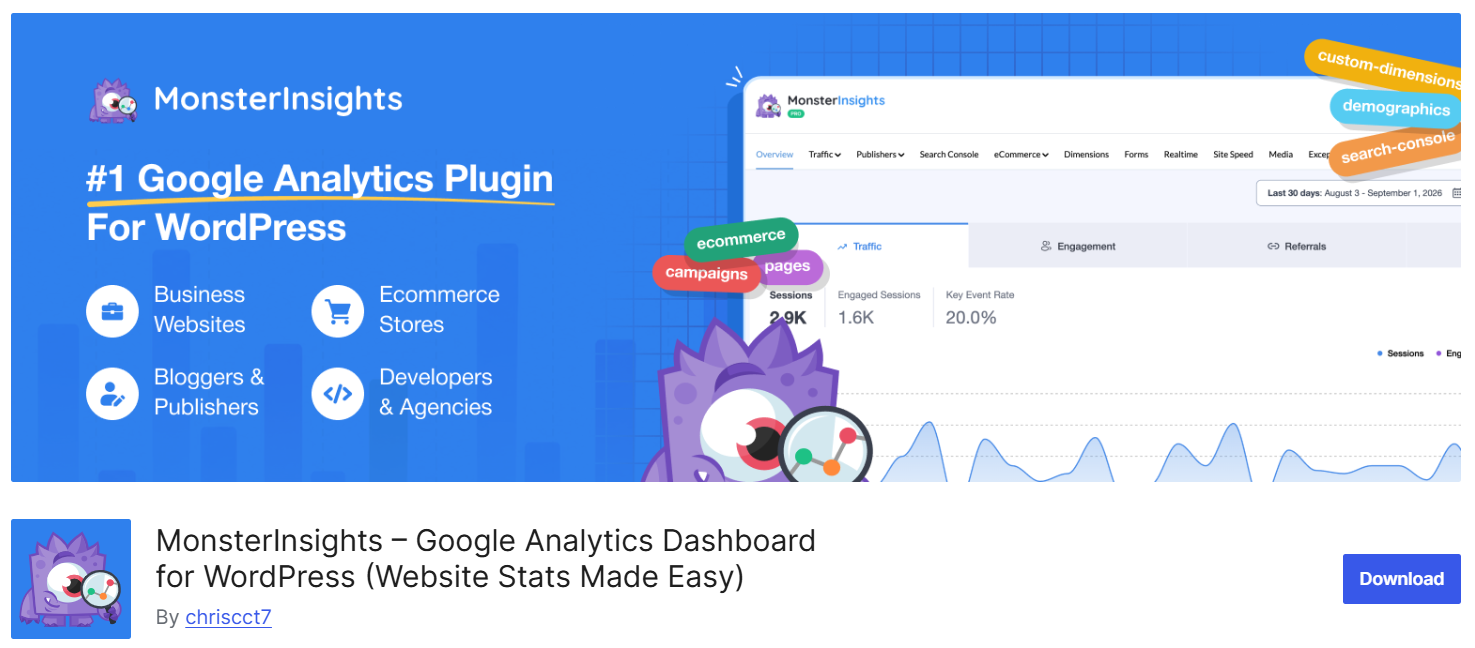
MonsterInsights connects WordPress with Google Analytics and brings reports into the dashboard. Its paid functionality includes ecommerce tracking and reporting.
Use it when the team needs a more accessible way to review store performance and does not already have a dependable analytics implementation.
Key features
- Google Analytics integration with reports inside WordPress.
- Traffic and engagement reports in the dashboard.
- WooCommerce ecommerce tracking and reports in Pro.
Pricing: Free Lite version; paid plans start at $99.50 for the first year, while Pro with ecommerce features starts at $199.50 for the first year and renews at the regular $399 annual price.
19. WPForms: Customer questions and commercial inquiries
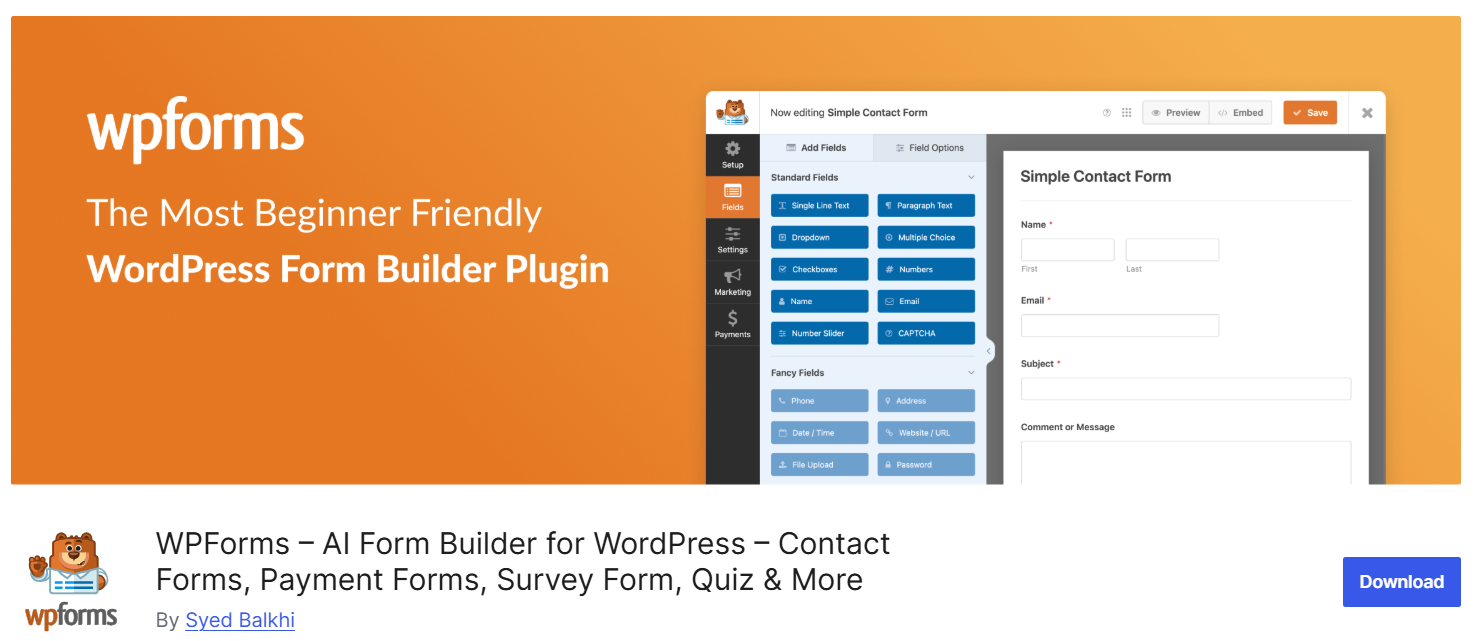
WPForms provides a form builder for contact, feedback, and other inquiry workflows. Features such as conditional logic and file uploads depend on the edition.
Use it when customers need to ask about suitability, request a quote, or discuss wholesale purchases before ordering. Give each form a clear purpose and someone responsible for responding.
Key features
- Drag-and-drop form building with templates.
- Contact, feedback, and commercial-inquiry forms.
- Conditional logic and file uploads on eligible paid plans.
Pricing: Free Lite version; paid plans start at $49.50 for the first year for one site and renew at the regular $99 annual price.
20. Advanced Shipment Tracking: Delivery visibility
Advanced Shipment Tracking for WooCommerce adds shipment information to orders and shares tracking links through customer emails and account pages. Paid features extend automation and integrations.
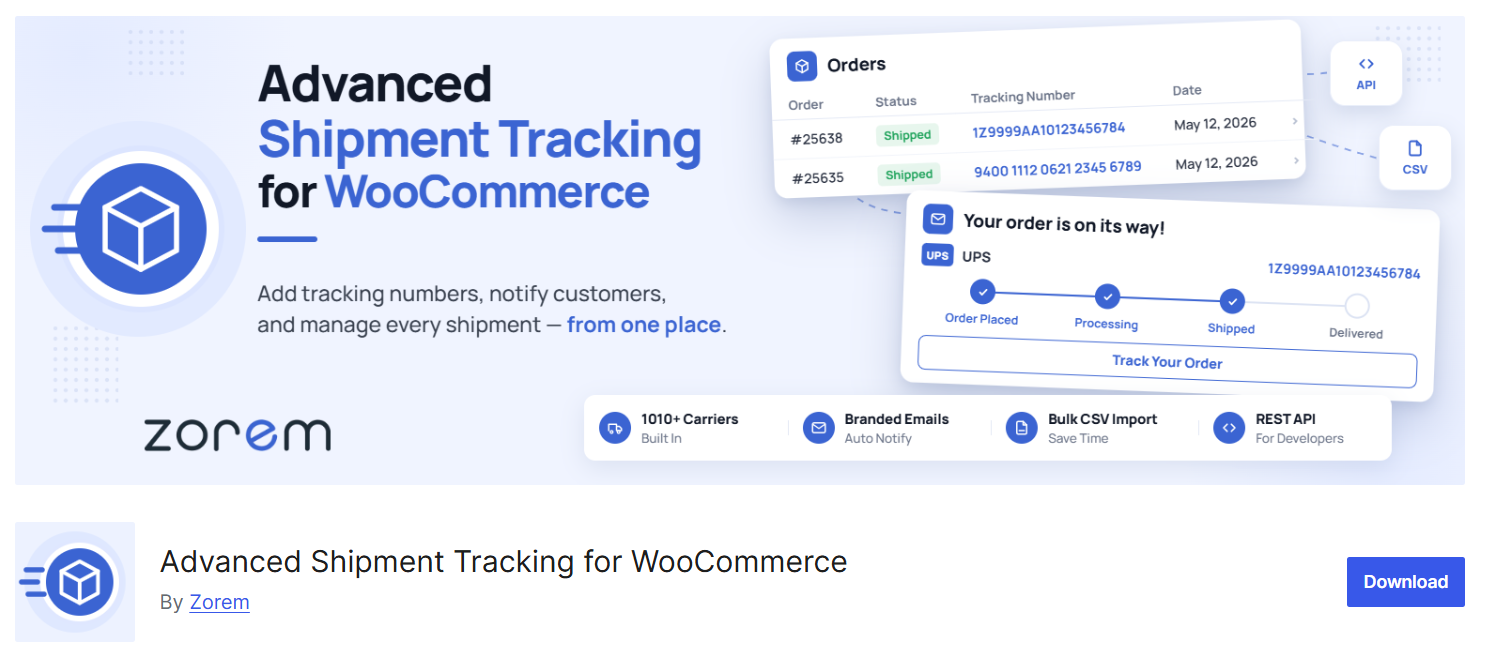
Use it when customers frequently ask where an order is or when split shipments are hard to explain.
Key features
- Add carrier names and tracking numbers to WooCommerce orders.
- Tracking links in order emails and customer account pages.
- Additional fulfillment automation and integrations in AST Pro.
Pricing: Free version available; AST Pro starts at $129 per year for one site.
21. PDF Invoices & Packing Slips: Order documentation
PDF Invoices & Packing Slips for WooCommerce generates order documents and can attach invoices to selected WooCommerce emails. It also supports downloading and printing invoices and packing slips from order administration.
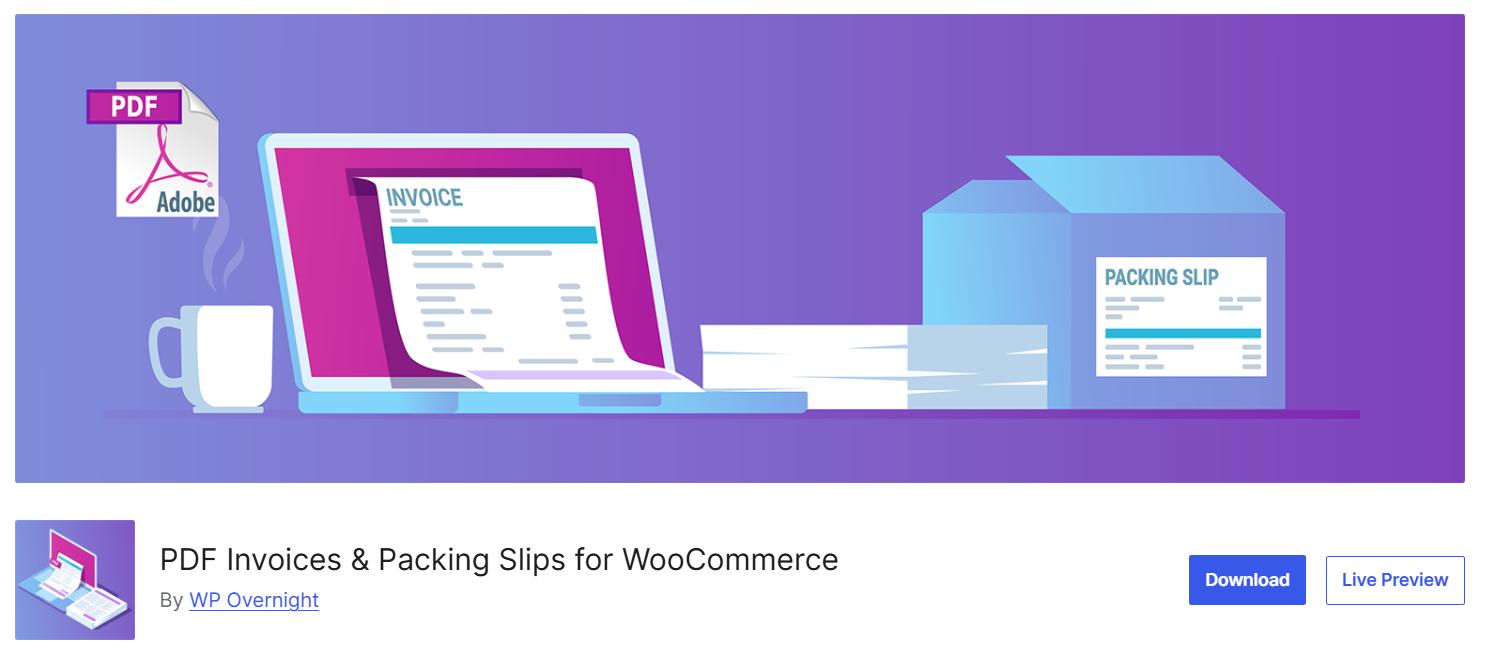
Use it when manual document preparation slows fulfillment or customers repeatedly request invoices.
Key features
- Generate PDF invoices and packing slips from WooCommerce orders.
- Attach invoices to selected order emails.
- Download or print documents individually or in bulk.
Pricing: Free core plugin for invoices and packing slips; optional paid extensions are sold separately by WP Overnight.
How to choose your WooCommerce growth stack
Choose a plugin by writing down the problem, the behavior you want to change, and the result you will measure. If you cannot name all three, the purchase is probably premature.
For example: “Mobile shoppers reach checkout but fail to complete payment. We will test a relevant wallet option and compare payment completion, errors, and contribution profit.” That gives the plugin a job and an evaluation standard.
Build around your current bottleneck
A small catalog may need straightforward payment and email tools before advanced filtering. A large catalog may need better discovery before another promotion. A store with customers who already recommend it may be ready for a customer referral program.
If affiliates and creators are the opportunity, first confirm you can support their sales. Then work through finding your first successful affiliate and define the reward economics.
Test the complete purchase and fulfillment journey
Before release, test product selection, coupons, taxes, shipping, payment, order emails, refunds, and any subscriptions or partner rewards you use. Include mobile and logged-in behavior. Confirm compatibility with your WooCommerce version, checkout type, and high-performance order storage where relevant.
Change one major capability at a time where practical. Keep backups and a route to reverse the change, then check live orders and customer feedback after release.
Account for the full cost
A plugin’s license is only one part of the cost. Include processing fees, email or optimization usage, configuration, maintenance, and the time required to operate the new capability.
Pay particular attention to overlapping functions. MailPoet and AutomateWoo may both send lifecycle emails. LiteSpeed Cache and ShortPixel may both optimize images. Your team should decide which tool owns each task.
Turn a working store into a partner growth channel with Siren
Once your store converts and fulfills reliably, partners can become another route to customers. That channel needs suitable people, a worthwhile offer, and clear attribution and commission rules.
Siren’s affiliate program tools help organize the tracking and reward side. Download Siren for Free and create your first partner program now.
Frequently asked questions
How many WooCommerce plugins should a store have?
Use the smallest maintained stack that supports your actual workflows. Plugin count alone is a poor decision rule: consider what each plugin does, its dependencies, and its effect on the complete shopping experience.
Can I grow a WooCommerce store using free plugins?
Yes, free plugins can support useful payment, search, coupon, and operational capabilities. Check feature limits and service costs, then pay for an upgrade when the additional functionality solves a proven problem.
Should I add a loyalty program or an affiliate program first?
Choose according to the relationship you can activate. Customer rewards support repeat behavior; affiliates introduce buyers through their own audiences. A customer referral program rewards recommendations. This affiliate versus referral comparison explains when the latter two motions fit.
Do plugins guarantee more WooCommerce sales?
No. Plugins provide capabilities, while growth depends on product demand, the offer, execution, and economics. Give each addition a measurable purpose and remove capabilities that create maintenance without useful results.