

7 Best LearnDash Affiliate Plugins for Course Programs

Compare the best LearnDash affiliate plugins for course creators, instructor revenue share, student referrals, partner programs, memberships, and simple affiliate tracking.
A LearnDash affiliate program can mean very different things depending on how your course business works. A solo creator may only need referral links and a simple commission dashboard. An academy may need to pay instructors, partners, affiliates, and student referrers from the same enrollment.
In this guide, we compare the best LearnDash affiliate plugins by program type so you can choose a tool that matches how your courses are sold, tracked, and rewarded. We will also show where Siren fits best: flexible LearnDash affiliate, referral, instructor, partner, and revenue-share programs that need more than one generic commission setup.
TL;DR: Key Takeaways
- The best LearnDash affiliate plugin depends on your course business model, not just the plugin’s feature list.
- How we compared the plugins: We looked at how each plugin handles LearnDash affiliate needs, including referral tracking, checkout integration, commission rules, partner dashboards, and payouts.
- Top 3 recommendations: Siren Affiliates is best for flexible LearnDash affiliate, referral, instructor, partner, royalty, and revenue-share programs. AffiliateWP is best for traditional LearnDash affiliate programs with direct LearnDash integration. Solid Affiliate is best for simple LearnDash programs when course sales run through WooCommerce.
- How to choose: Start by defining who earns, what action triggers a commission, whether your course sales run through LearnDash or WooCommerce, and whether you need one simple affiliate program or multiple partner programs.
How We Compare the Best LearnDash Affiliate Plugins
In LearnDash and WordPress communities, course creators often ask a practical question: should affiliate tracking happen inside LearnDash, through WooCommerce, or through a separate affiliate platform? That question shaped how we compared these tools.
These are the main factors we considered:
Whether the Plugin Fits the Course Business Model
The first thing we considered is whether the plugin fits the type of LearnDash business using it.
A simple course creator usually needs referral links, a dashboard, and basic commission tracking. But a course platform with instructors, partners, memberships, or bundles may need more flexible rules.
That is why we compared plugins based on program type, including simple affiliate programs, student referrals, instructor revenue share, subscription-based programs, and multi-partner setups.
How the Plugin Tracks LearnDash Sales or Enrollments
Tracking is one of the most important factors in any affiliate program.
Some plugins integrate directly with LearnDash. Others track the transaction through WooCommerce, Easy Digital Downloads, Stripe, PayPal, or another checkout layer. What matters is how students actually buy or access the course.
How Flexible the Commission Rules Are
Commission flexibility matters because not every course should have the same payout structure.
Here, we looked for support for commission rules such as fixed rates, percentage-based rates, course-specific commissions, recurring commissions, partner-specific terms, and revenue-share logic.
Whether It Supports Instructors, Partners, or Students
We considered whether each plugin is only built for classic affiliates or whether it can also support instructors, students, partners, creators, and collaborators.
How Easy It Is for Affiliates and Partners to Use
A plugin is only useful if affiliates and partners can actually understand it.
We looked at whether affiliates can access their links, see commissions, track performance, understand payout status, and find the materials they need to promote the course. A clear dashboard matters because it reduces support requests and helps partners stay active.
For course businesses, this is especially important because affiliates may not be technical. They need a simple way to promote the course and see what is working.
How Well It Handles Payouts and Program Management
Affiliate programs do not stop after tracking a referral. Store owners and course creators still need to review commissions, handle refunds, manage payouts, and keep records clean.
This becomes even more important for LearnDash sites with instructors, partners, or recurring revenue. If payouts are unclear, the program can quickly become difficult to manage.
We looked for tools that make commission review, payout tracking, and partner management easier over time.
Quick Comparison: Best LearnDash Affiliate Plugins
Use this table as a starting point. The best LearnDash affiliate plugin depends on how your course business sells, tracks, and rewards referrals.
| Plugin | Best For | LearnDash Fit | Pricing |
|---|---|---|---|
| Siren Affiliates | Flexible affiliate, referral, instructor revenue-share, partner, royalty, and multi-program setups. | Best for LearnDash businesses that need more than one generic affiliate program. | Free plan available |
| AffiliateWP | Traditional LearnDash affiliate programs with direct LearnDash integration. | Strong fit for course creators who want referral links, affiliate dashboards, commissions, and payouts. | Starts at $149.50/year. |
| Solid Affiliate | Simple course affiliate programs when LearnDash sales run through WooCommerce. | Good fit if course access is sold through WooCommerce products. | Starts at $149.60/year; confirm current pricing. |
| Easy Affiliate | Beginner-friendly affiliate program management for simple course businesses. | Best when LearnDash course sales run through WooCommerce, Easy Digital Downloads, or another supported checkout flow. | Starts at $99.60/year. |
| iDevAffiliate | External affiliate management with LearnDash support. | Useful if you want a standalone affiliate platform instead of a fully WordPress-native setup. | Starts at $42/month. |
| Post Affiliate Pro | Larger course affiliate programs that need external affiliate software. | Better for bigger education brands with dedicated affiliate management needs. | Starts at $89/month for the Starter plan. |
| SliceWP | Lightweight WordPress affiliate programs for simple course setups. | Good for smaller LearnDash businesses depending on the checkout flow. | Free version available; paid plans start at $169/year. |
Pricing changes often, especially with promotional discounts and annual billing. Confirm current plan details before publishing or purchasing.
7 Best LearnDash Affiliate Plugins in 2026: Full Comparison
1. Siren Affiliates

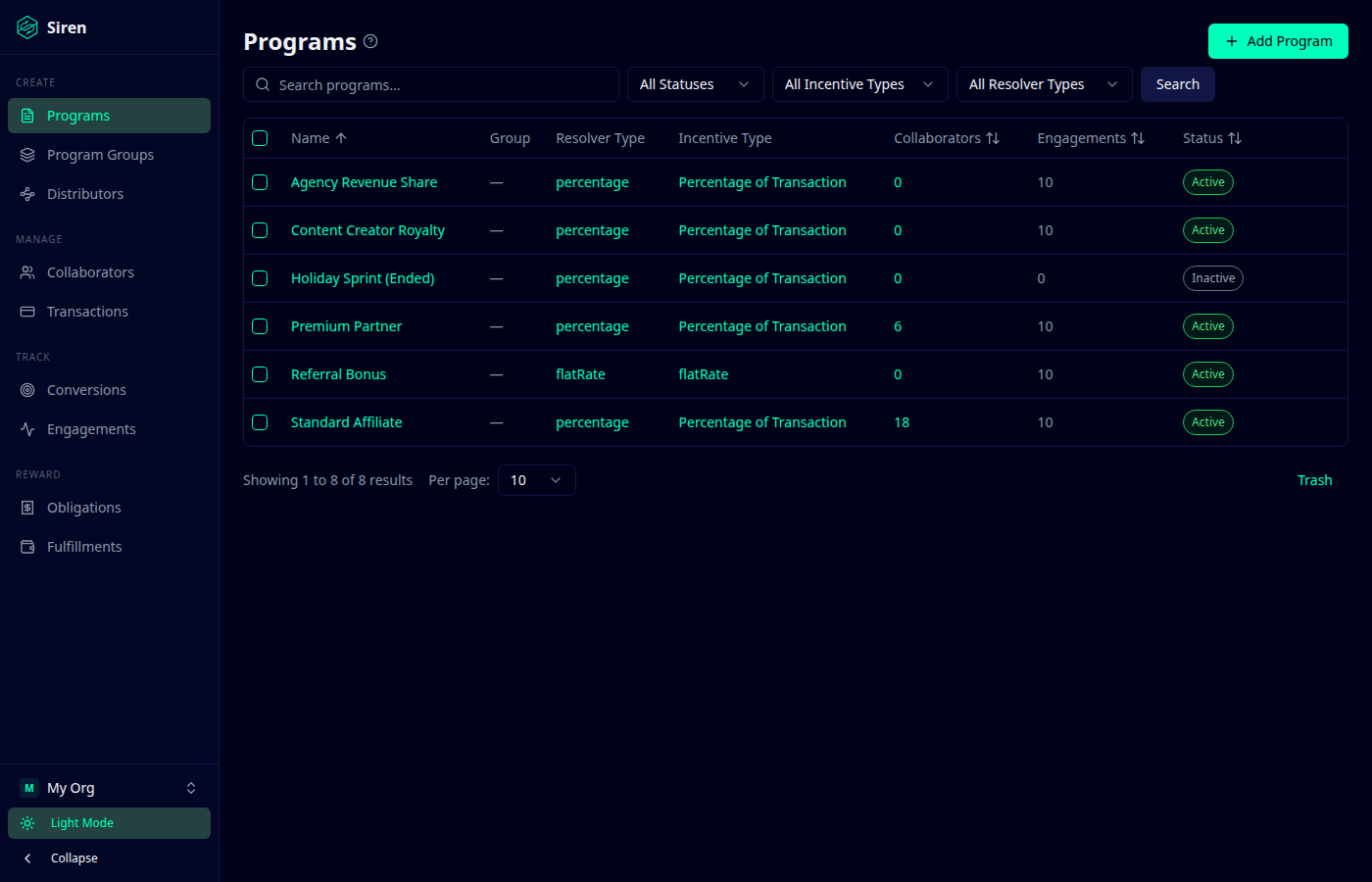
Siren Affiliates is built for course businesses that want to reward different people for different types of contributions. Siren connects with LearnDash to support affiliate programs, instructor royalties, partner programs, revenue sharing, and engagement-based rewards.
This makes it especially useful for LearnDash academies, course platforms, membership communities, and instructor-led businesses where more than one person contributes to a student enrollment or course sale.
For example, an affiliate might refer a student, an instructor might own the course, and a partner might help drive engagement. A simple affiliate plugin may only credit one person. Siren is designed for more flexible program logic.
Key Features
- Native LearnDash integration: Siren tracks LearnDash transactions, course completions, and lesson completions.
- Affiliate programs: Affiliates can earn commissions when they refer students to your courses.
- Instructor royalties: Course creators or instructors can earn royalties when their courses sell.
- Revenue-share programs: Subscription or membership revenue can be split among instructors or partners based on student engagement.
- Completion-based rewards: You can reward partners based on course completions or lesson completions, not only purchases.
- Multiple programs at the same time: Run separate affiliate, instructor, partner, royalty, or revenue-share programs from one WordPress site.
- Per-course commission rules: Set different commission rates for different courses, such as a lower rate for an introductory course and a higher or custom rate for a certification program.
- Multiple commissions on the same sale: Affiliates and instructors can both earn from the same course purchase when they are being rewarded for different roles.
- Pending and payable commission states: Hold commissions until refunds, cancellations, or review periods are resolved.
Pros and Cons
| Pros | Cons |
|---|---|
| Strong fit for complex LearnDash programs | If you only need one flat affiliate commission, a lighter plugin may be enough. |
| Supports multiple program types | Requires clear program planning |
| Can reward more than one role based on different contributions | Not ideal if you only want basic link tracking |
| Useful for instructor royalties and revenue share | |
| Works well for advanced course models |
Pricing
Siren offers a free plan and paid plans for businesses that need more advanced program structures.
| Plan | Price | Best For |
|---|---|---|
| Siren Lite | Free | Course creators who want to start with a basic affiliate or referral program. |
| Siren Essentials | $299/year | LearnDash businesses that need more advanced tools like recurring commissions, revenue splits, multiple programs, and partner dashboards. |
| Siren Plus | $229/year | Growing course businesses that need additional site support, priority support, and access to more advanced features. |
| Siren Pro | $499/year | Agencies, multi-site businesses, or larger education brands managing several WordPress sites. |
2. AffiliateWP
AffiliateWP is a strong option for LearnDash sites that want a classic affiliate setup: affiliates apply, get approved, receive referral links, promote courses, and earn commissions when students purchase.
Its biggest advantage for LearnDash users is that it has a dedicated LearnDash integration. That means it can track referrals for LearnDash course purchases without requiring every sale to run through WooCommerce first.
Key Features
- Direct LearnDash integration: Track referrals for LearnDash course purchases.
- Affiliate registration: Let affiliates apply to join your course affiliate program.
- Referral link tracking: Give affiliates unique links to promote your courses.
- Affiliate dashboard: Affiliates can view referrals, visits, commissions, and performance.
- Commission rules: Set commission structures for your program.
- Reporting: Track affiliate activity, referrals, and earnings.
- Payout tools: Manage affiliate payments from the affiliate system.
- Broad WordPress ecosystem: Useful if your course business also uses other WordPress ecommerce, form, or membership tools.
Pros and Cons
| Pros | Cons |
|---|---|
| Dedicated LearnDash integration | More traditional affiliate focus |
| Mature WordPress affiliate plugin | May need add-ons or higher plans for advanced needs |
| Good for classic course affiliate programs | Less specialized for multiple earning roles |
| Broad integration ecosystem | Can be more than needed for very small programs |
Pricing
AffiliateWP currently lists paid plans starting at $149.50/year for the Personal plan.
3. Solid Affiliate
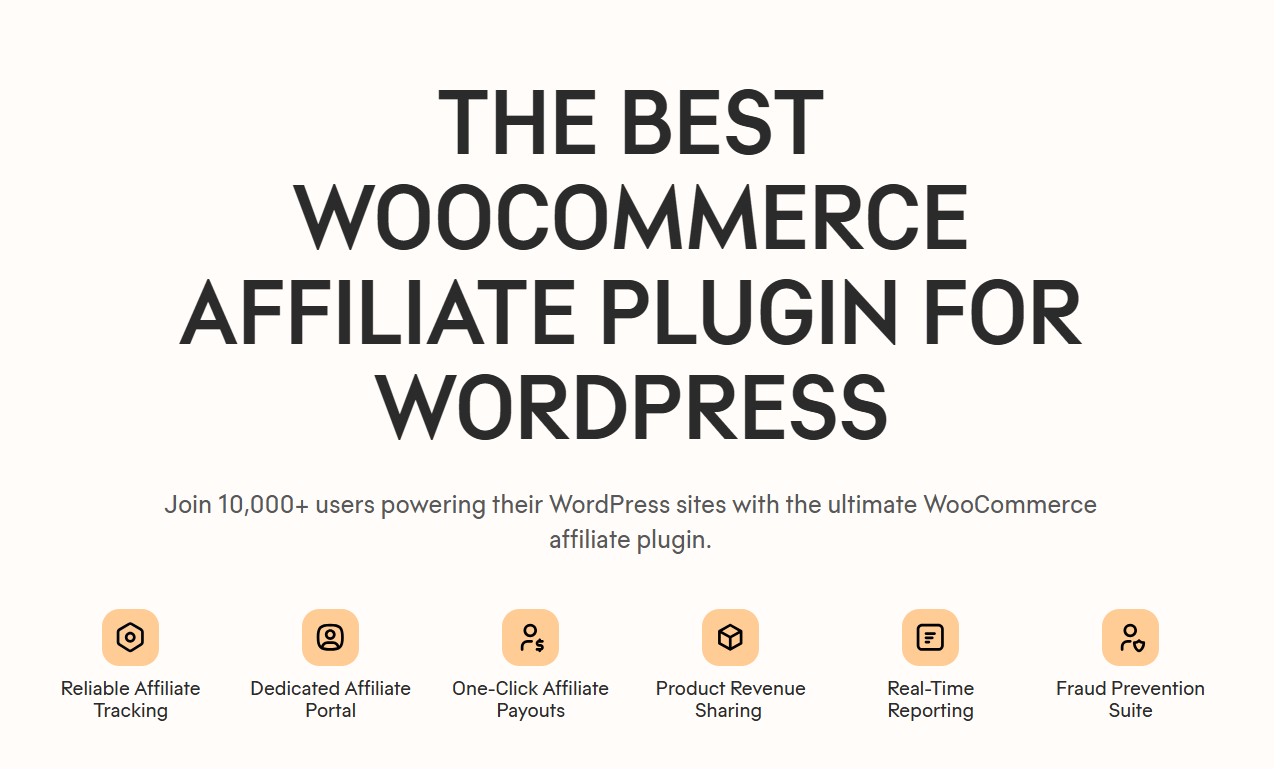
Solid Affiliate is a good fit when your LearnDash courses are sold as WooCommerce products. In that setup, the affiliate tracking happens through the WooCommerce order rather than through LearnDash directly.
This makes Solid Affiliate useful for course creators who already use WooCommerce for checkout and want a simple affiliate program with referral links, coupon tracking, affiliate dashboards, commission management, and payout tools. LearnDash also lists Solid Affiliate as working with LearnDash when WooCommerce is used to process orders.
Key Features
- WooCommerce-based tracking: Track affiliate referrals when LearnDash course purchases are processed through WooCommerce.
- Referral link tracking: Give affiliates links to promote your course products.
- Coupon tracking through WooCommerce: Useful for course creators using WooCommerce coupons.
- Affiliate portal: Affiliates can view links, commissions, and performance.
- Commission rules: Set commission rates for course product sales.
- Reporting: Monitor affiliate performance and referral activity.
- Payout management: Review and manage affiliate payments.
- Fraud prevention: Helps reduce self-referrals and invalid commissions.
Pros and Cons
| Pros | Cons |
|---|---|
| Strong WooCommerce fit | Not ideal for direct LearnDash-only sales |
| Simple affiliate setup | Less suited for instructor revenue share |
| Coupon tracking through WooCommerce | May become limiting as programs grow |
| Good for standard course commissions | Checkout-dependent |
Pricing
Solid Affiliate currently presents itself as a paid WooCommerce affiliate plugin with flexible plans. Its public pricing page emphasizes paid plans for WooCommerce affiliate programs, but pricing can change depending on promotions and license terms, so confirm the current plan details before publishing or purchasing.
4. Easy Affiliate
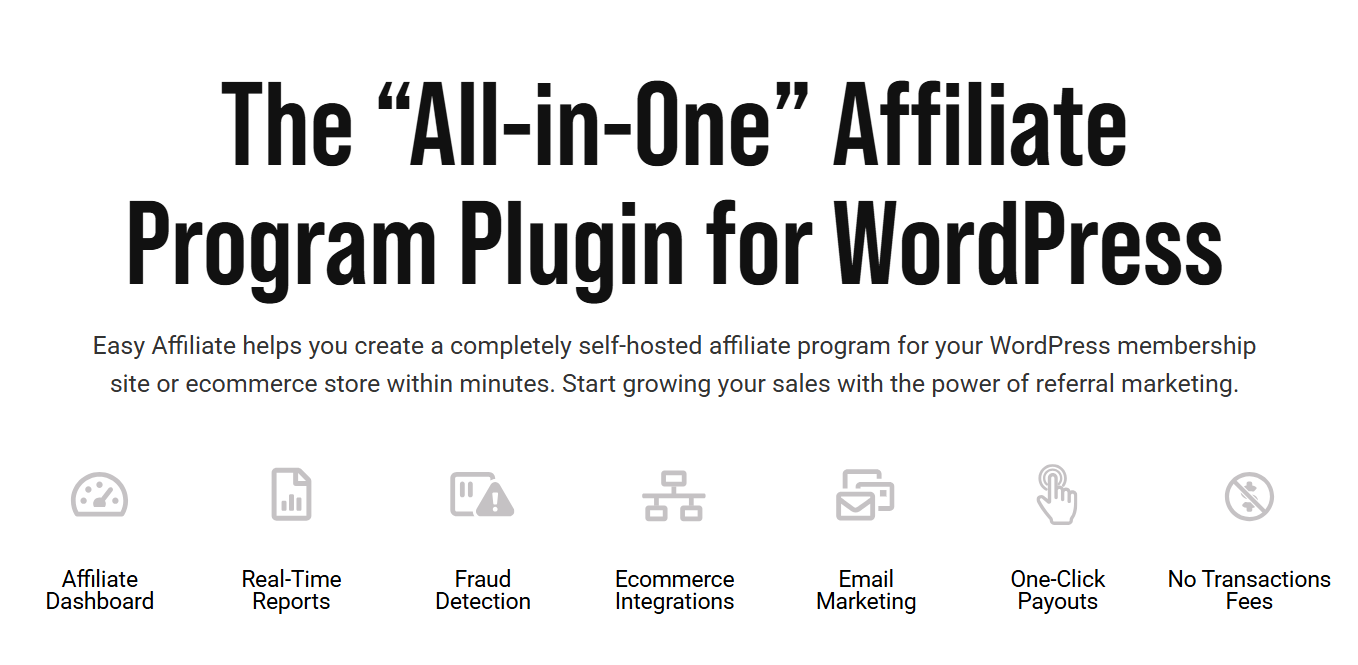
Easy Affiliate is a good option for course creators who want to launch a straightforward affiliate program without building a complex partner or instructor revenue-share system. It is best suited for LearnDash businesses where the transaction is handled through a supported ecommerce or checkout layer, such as WooCommerce or Easy Digital Downloads.
Key Features
- Affiliate dashboard: Affiliates can view links, performance, commissions, and payout details.
- Commission tracking: Track affiliate earnings from supported sales flows.
- Link tracking: Affiliates can promote courses using unique referral links.
- Fraud detection: Helps reduce suspicious or low-quality referral activity.
- Payout management: Manage affiliate payments from the affiliate system.
- Checkout integrations: Works best when LearnDash course sales are routed through supported ecommerce tools.
- Simple reporting: Useful for course creators who need basic visibility into affiliate performance.
Pros and Cons
| Pros | Cons |
|---|---|
| Beginner-friendly setup | Not built specifically around LearnDash revenue share |
| Useful for simple course businesses | Checkout-dependent |
| Includes fraud detection | Less suited for complex partner programs |
Pricing
Easy Affiliate currently lists paid plans starting at $99.60/year for its Basic plan. Higher plans are available for more sites and additional features, so course creators should confirm the latest pricing before choosing a plan.
5. iDevAffiliate
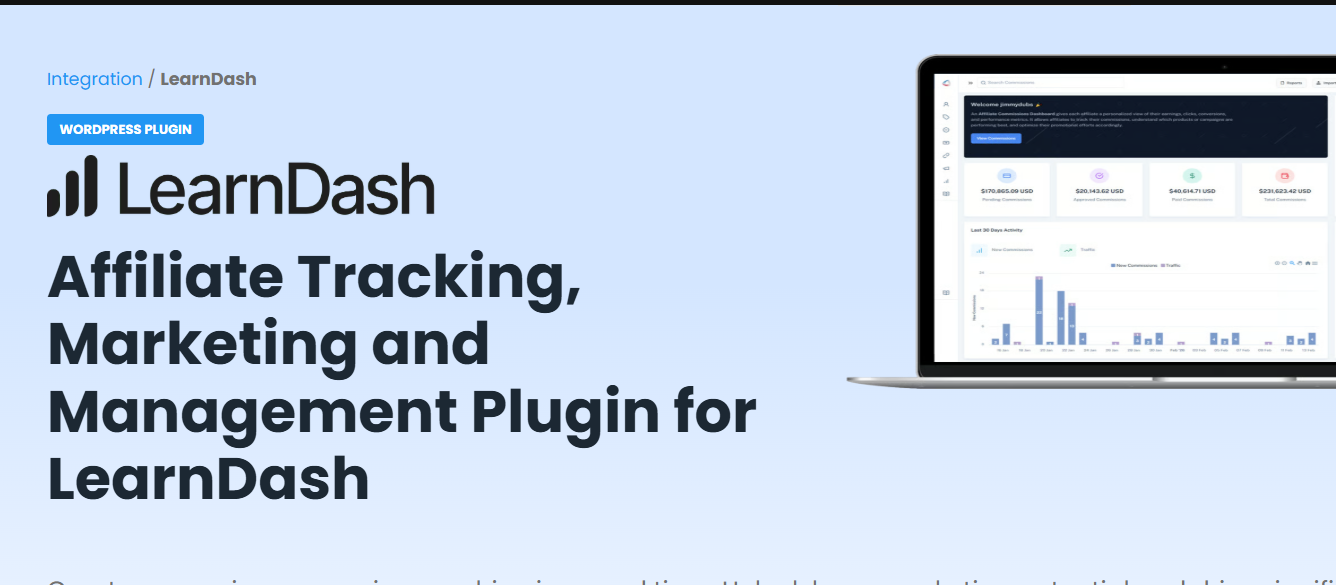
iDevAffiliate can run as an external affiliate management platform. It offers a LearnDash integration and is useful for course businesses that want affiliate tracking, commission management, reporting, onboarding tools, and affiliate dashboards outside the main WordPress admin.
Key Features
- LearnDash support: Built-in integration for LearnDash affiliate tracking.
- Affiliate tracking: Track referred students, course sales, or other supported conversions.
- Commission management: Set payout structures for affiliates and partners.
- Cloud or self-hosted options: Choose between hosted affiliate software or a self-hosted setup.
- Affiliate dashboards: Give affiliates access to links, reports, and performance data.
- Marketing assets: Provide banners, links, and promotional materials.
- Onboarding tools: Includes setup guidance, tutorials, and onboarding resources.
- Reporting: Track affiliate activity, traffic, commissions, and performance.
Pros and Cons
| Pros | Cons |
|---|---|
| Built-in LearnDash integration | Less WordPress-native |
| Standalone affiliate platform | More setup overhead |
| Cloud and self-hosted options | Not focused on instructor revenue share |
Pricing
iDevAffiliate offers a 7-day free trial and lists cloud pricing starting at $42/month for the Essential plan.
6. Post Affiliate Pro
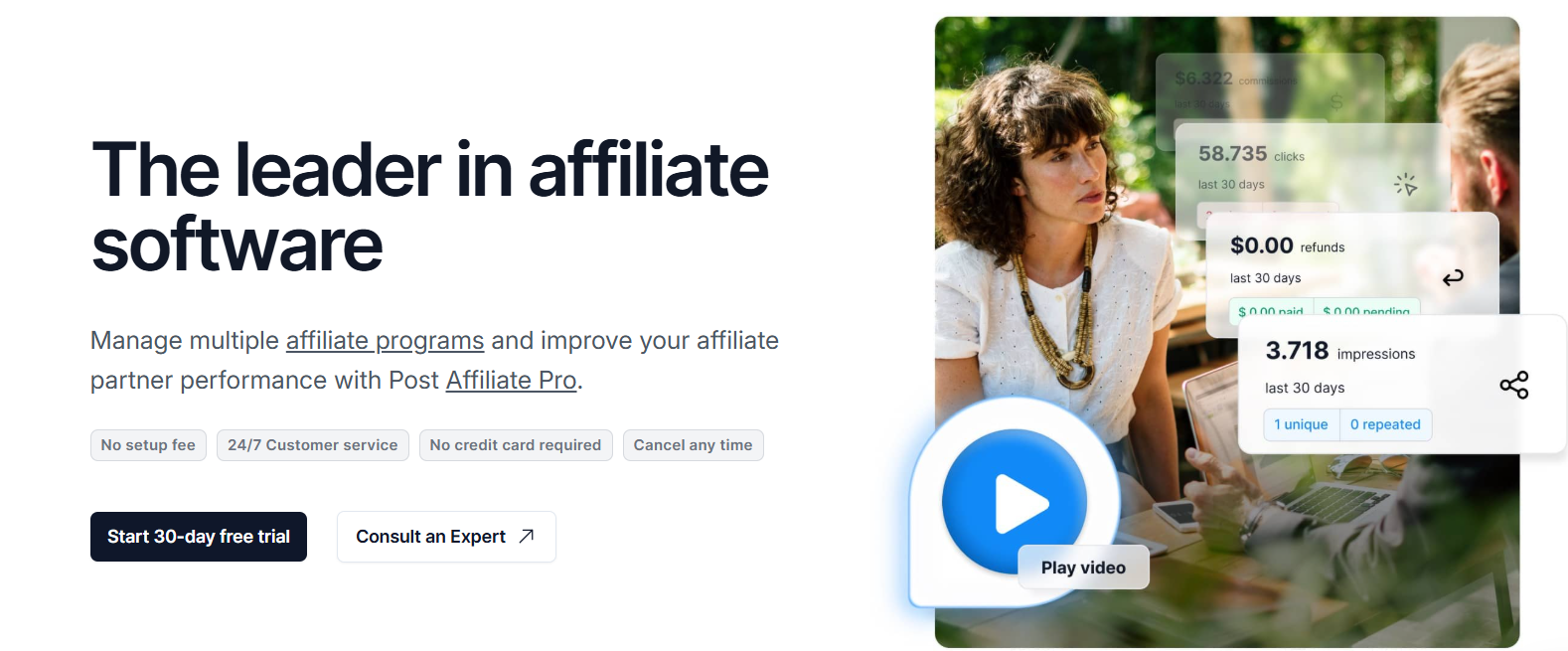
Post Affiliate Pro is better suited for course businesses that need a more robust affiliate management platform outside the WordPress dashboard. It can work well for larger education brands, teams with dedicated affiliate managers, or businesses that want advanced tracking, campaign management, fraud protection, and reporting in a standalone system.
Key Features
- External affiliate platform: Manage affiliate programs outside WordPress.
- Affiliate tracking: Track referrals, clicks, conversions, and partner performance.
- Campaign management: Create and manage multiple affiliate campaigns.
- Advanced reporting: Review affiliate performance, commission activity, and campaign results.
- Fraud protection: Helps reduce suspicious referrals and invalid commissions.
- Large integration library: Post Affiliate Pro lists more than 220 integrations and more than 125 plugins on its pricing page.
- Customizable affiliate interface: Adjust the affiliate experience to match your program.
- Unlimited affiliates: Useful for larger programs that expect to recruit many partners.
Pros and Cons
| Pros | Cons |
|---|---|
| Good for larger affiliate programs | More than most small course creators need |
| External software platform | Less WordPress-native |
| Strong reporting and fraud protection | Higher monthly cost |
Pricing
Post Affiliate Pro currently lists plans starting at $89/month for the Starter plan, with higher plans available for more tracking requests and advanced needs.
7. SliceWP
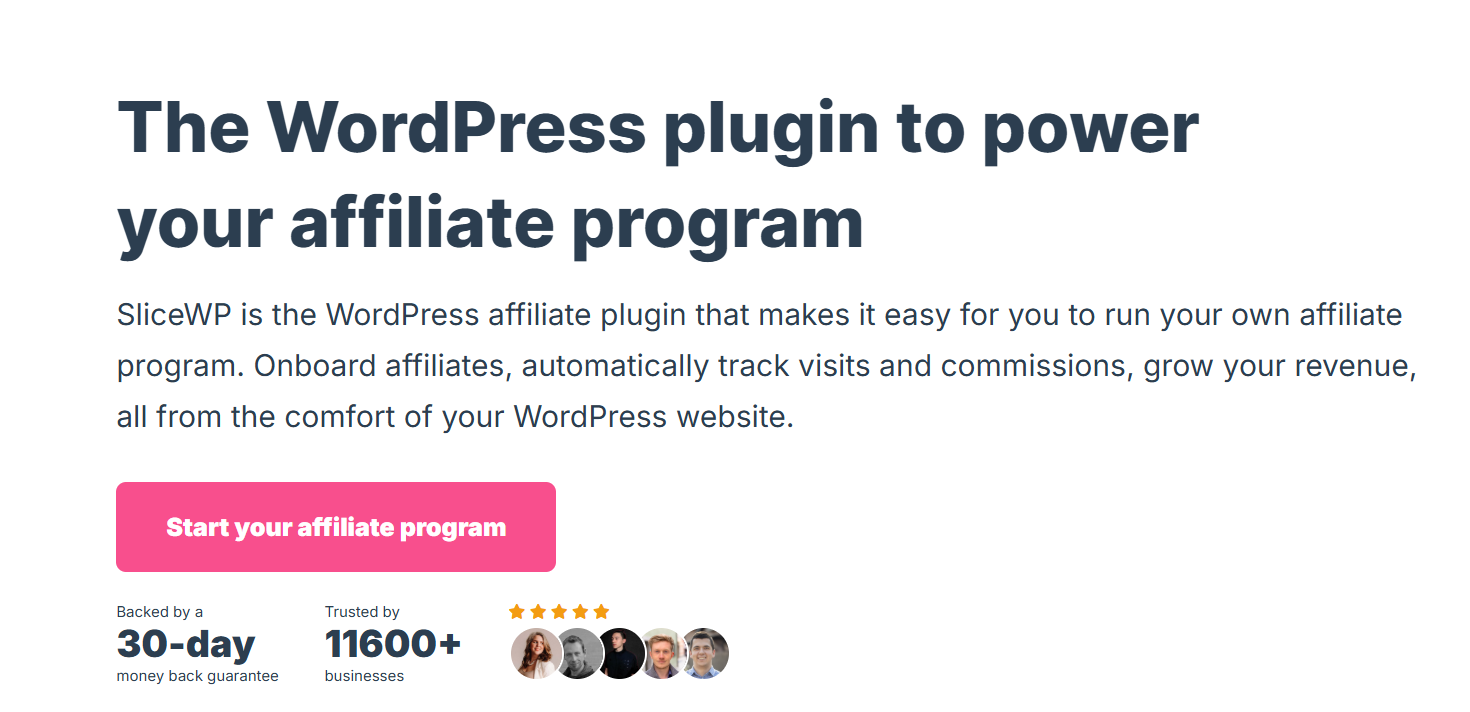
SliceWP is a good fit for simple course businesses that want to test affiliate marketing without building a complex partner, instructor, or revenue-share system. It is designed to help WordPress users create an affiliate program from the dashboard, invite affiliates, track commissions, and manage the basic affiliate workflow.
Key Features
- WordPress-native affiliate management: Build and manage an affiliate program from inside WordPress.
- Affiliate registration: Let affiliates apply or be invited to your program.
- Referral link tracking: Give affiliates unique links to promote your courses.
- Commission tracking: Track affiliate commissions from supported sales flows.
- Affiliate dashboard: Affiliates can view performance, links, and commission activity.
- WooCommerce support: SliceWP supports WooCommerce affiliate tracking, including affiliate coupons for coupon-based attribution.
- Easy setup: Designed for users who want a straightforward affiliate plugin experience.
- Add-ons and paid plans: Useful when a simple program needs extra functionality.
Pros and Cons
| Pros | Cons |
|---|---|
| Lightweight and beginner-friendly | Not deeply LearnDash-specific |
| WordPress-native workflow | Limited for advanced course models |
| Good for testing affiliate marketing | May require a compatible checkout flow |
Pricing
SliceWP currently offers a free WordPress plugin, while its paid plans start at $169/year according to its pricing page.
How to Choose the Best LearnDash Affiliate Plugin
The best LearnDash affiliate plugin depends on how your course business sells, tracks, and rewards referrals. A solo course creator, instructor-led academy, membership site, and course marketplace will not need the same setup.
Use your program type as the starting point.
If You Only Need a Simple Course Affiliate Program
If you only want affiliates to promote your courses and earn a commission from referred sales, you probably do not need a complex revenue-share system.
Look for referral links, affiliate registration, a simple dashboard, basic commission rules, refund handling, and payout management.
Good fits include:
- AffiliateWP
- SliceWP
- Easy Affiliate
- Solid Affiliate, if your LearnDash sales run through WooCommerce
This works best for solo course creators or small course businesses with a clear offer and one main commission structure.
If You Sell LearnDash Courses Through WooCommerce
If students buy course access through WooCommerce products, your affiliate tracking can often happen at the WooCommerce order level.
This opens the door to WooCommerce-focused affiliate plugins that may not track LearnDash enrollments directly but can still track the purchase that gives the student access to the course.
Good fits include:
- Siren Affiliates
- Solid Affiliate
- AffiliateWP
- SliceWP
- Easy Affiliate
This setup is useful if you already use WooCommerce for checkout, coupons, bundles, payment gateways, or subscription products.
If You Run Instructor-Led Courses or Revenue Share
Instructor-led LearnDash businesses often need more than affiliate commissions. You may need to pay the instructor who created the course, the affiliate who referred the student, and possibly a partner connected to the launch or course bundle.
In this case, look for flexible commission logic, course-specific rules, revenue sharing, multiple program support, and the ability to manage different earning roles.
Best fit:
- Siren Affiliates
This is especially important for academies, course marketplaces, expert-led programs, and collaborative education businesses.
If You Sell Memberships or Subscriptions
Subscription-based course businesses need to decide whether affiliates earn only on the first payment or on recurring renewals.
Before choosing a plugin, check whether it supports recurring commissions, renewal tracking, cancellation handling, refund rules, and compatibility with your membership or subscription setup.
Good fits to evaluate include:
- Siren Affiliates
- AffiliateWP
- Solid Affiliate
- SliceWP
This matters for LearnDash membership sites, paid communities, subscription course libraries, and ongoing coaching programs.
If You Want Student Referral Programs
Student referral programs are different from public affiliate programs. A student may refer a friend because they enjoyed the course, not because they are a professional affiliate.
For this type of program, you may want simpler rewards, invite-based links, credits, discounts, or a more controlled approval process.
Good fits include:
- Siren Affiliates
- AffiliateWP
- Easy Affiliate
- SliceWP
This works well for cohort-based programs, communities, certification courses, and high-trust education brands.
If You Need Multiple Partner Programs on One LearnDash Site
Some LearnDash businesses need several programs at the same time. For example, you may need public affiliates, student referrals, instructor revenue share, strategic partners, launch partners, and B2B referral partners.
Trying to force all of those relationships into one generic affiliate program can make reporting, commissions, and payouts harder to manage.
Best fit:
- Siren Affiliates
A multi-program setup is best for LearnDash businesses that want to grow beyond simple referral tracking and build a more complete partner ecosystem.
Why Course Creators Choose Siren Affiliates
LearnDash businesses choose Siren Affiliates when they need more than a basic affiliate link program. A simple plugin may be enough for one course and one commission rate, but many course businesses eventually need to reward instructors, partners, students, creators, or collaborators in different ways.
Siren is built for those more flexible program structures.
It Supports More Than Traditional Affiliates
Many LearnDash sites do not only work with affiliates. They may also work with instructors, guest experts, launch partners, student referrers, agencies, or community partners.
Siren makes more sense when you need to manage different types of relationships from one WordPress site instead of forcing every partner into the same generic affiliate setup.
It Works for Instructor Revenue Share
Instructor-led course businesses often need to pay the person who created or delivered the course. That is different from paying an affiliate who referred a student.
Siren is useful for LearnDash academies and course platforms that need instructor royalties, creator payouts, or revenue-share rules tied to specific courses or learning activity.
It Can Handle Multiple Programs at the Same Time
A growing LearnDash business may need several programs running together, such as:
- A public affiliate program for promoters
- An instructor revenue-share program for course creators
- A student referral program for learners
- A partner program for agencies or B2B referrals
- A launch campaign for course promotions
Siren is a better fit when these programs need separate rules, tracking, and payouts.